

Description
Download Minimap Sidebar Extension – Seamless Google Maps Integration for Firefox
Overview
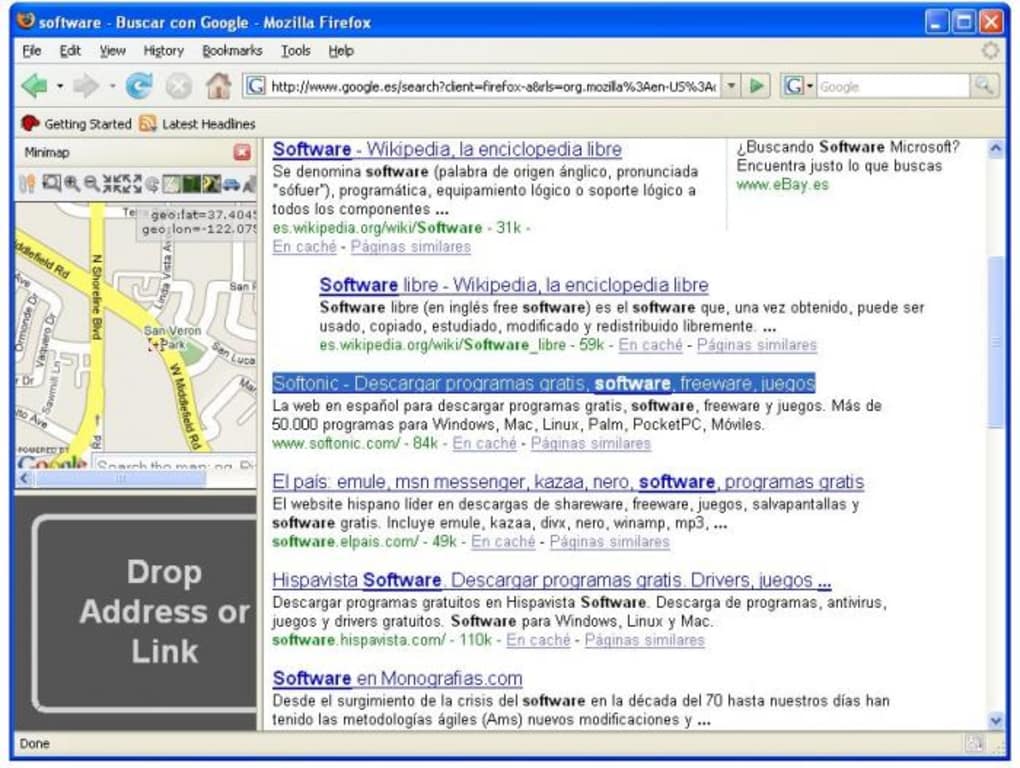
The Minimap Sidebar Extension brings Google Maps directly into your Firefox browsing experience, turning every address you encounter into an interactive map without ever leaving the page. Designed for heavy map users, this lightweight sidebar appears on the right side of the browser and instantly renders the location you drop onto it. Whether you’re planning a road trip, checking a restaurant’s exact spot, or simply curious about a place mentioned in an article, Minimap Sidebar eliminates the need to open a new tab or switch applications. The extension also includes a built‑in directions tool that lets you set a “home” location and request routes to any address you find online. While the sidebar’s default width may feel narrow for some, the extension offers a quick resize option, and its minimal footprint ensures Firefox remains fast and responsive. By leveraging the powerful Google Maps API, the extension delivers up‑to‑date map tiles, satellite imagery, and street‑level details directly inside your browser. It’s a free, secure solution that updates automatically through Mozilla’s add‑on ecosystem, keeping you protected from outdated code or privacy concerns. In short, Minimap Sidebar transforms passive address reading into an active navigation workflow, making it a must‑have tool for developers, travelers, and everyday internet explorers alike.
Key Features
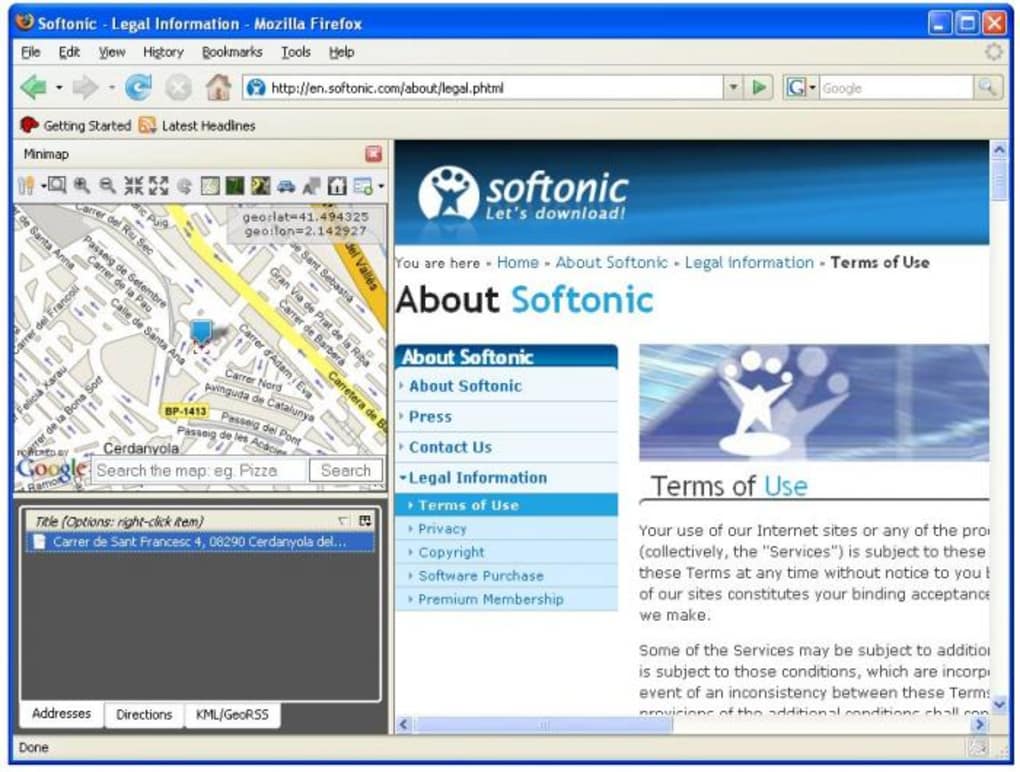
- Instant Map Rendering: Drag any address or Google Maps link onto the sidebar and watch the location appear instantly.
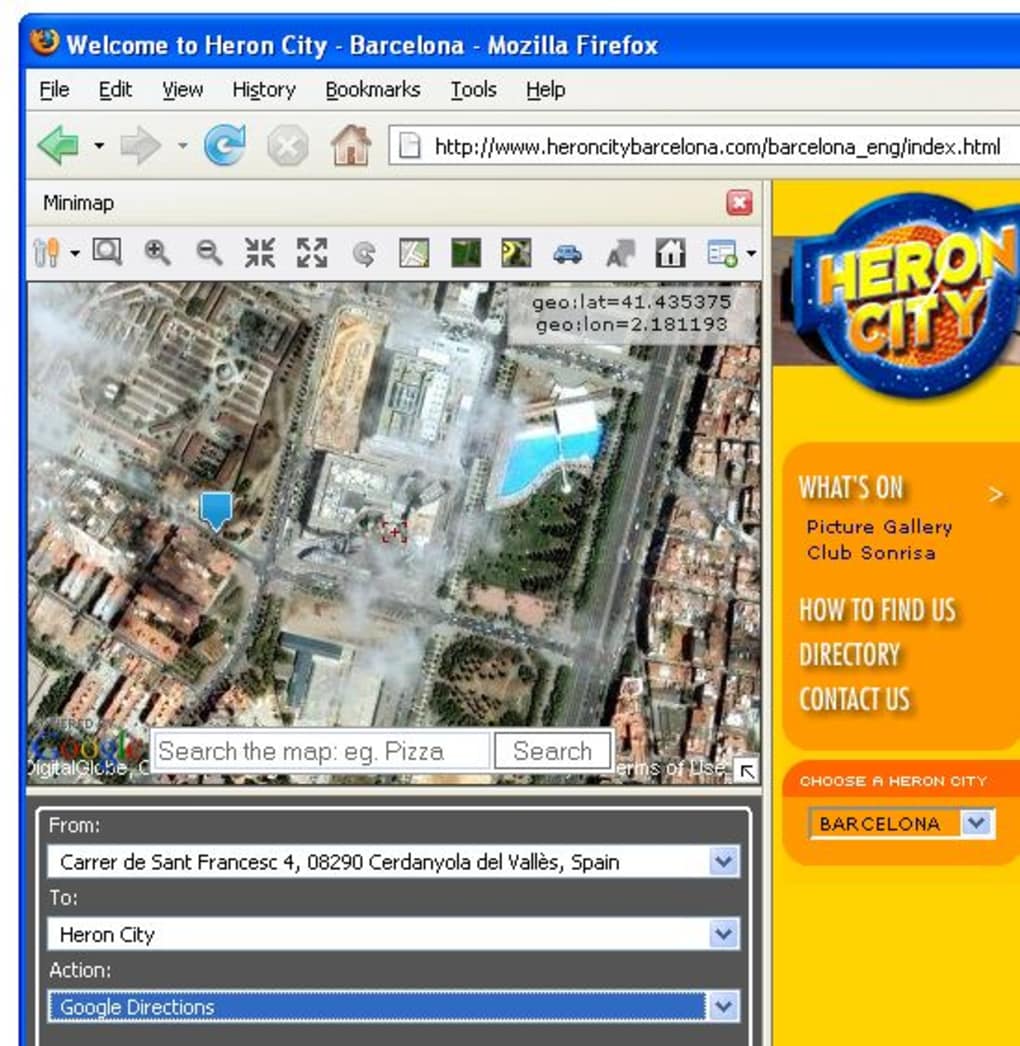
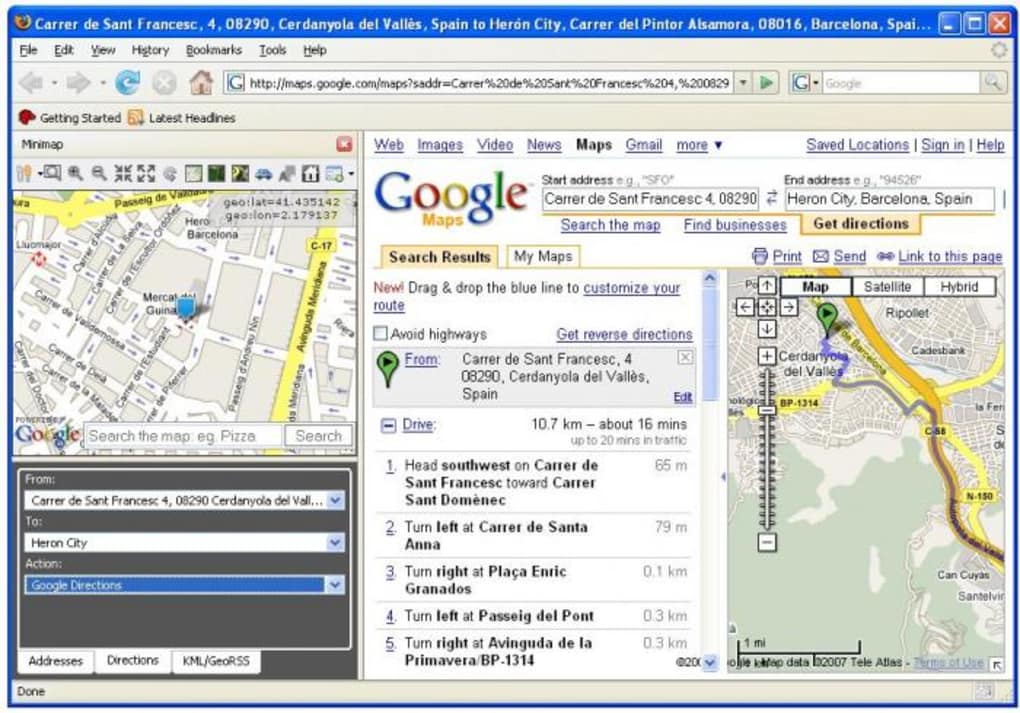
- Built‑in Directions Engine: Set a home address and receive turn‑by‑turn directions to any dropped location without opening Google Maps in a new tab.
- Resizable Sidebar: Adjust the width of the sidebar on the fly to suit your visual preference or screen real‑estate.
- Fire Eagle Integration: Sync your Fire Eagle location directly from the sidebar for seamless geolocation updates.
- Automatic Updates: The extension updates through Mozilla’s add‑on store, ensuring you always have the latest features and security patches.
- Lightweight Design: Uses minimal system resources, preserving Firefox’s speed and stability even with multiple tabs open.
- Cross‑Platform Support: Works on Windows, macOS, and Linux versions of Firefox that support WebExtensions.
- Privacy‑Focused: No personal data is stored or transmitted beyond what Google Maps requires for map rendering.
Installation, Usage, and Compatibility
Step‑by‑Step Installation
Getting Minimap Sidebar up and running is straightforward. Visit the official Mozilla Add‑ons page, click “Add to Firefox,” and confirm the permission request. The extension downloads and installs automatically, appearing as a small pin icon in your toolbar. Once installed, click the icon to open the sidebar; a default map view will load, ready to receive addresses.
Everyday Usage Tips
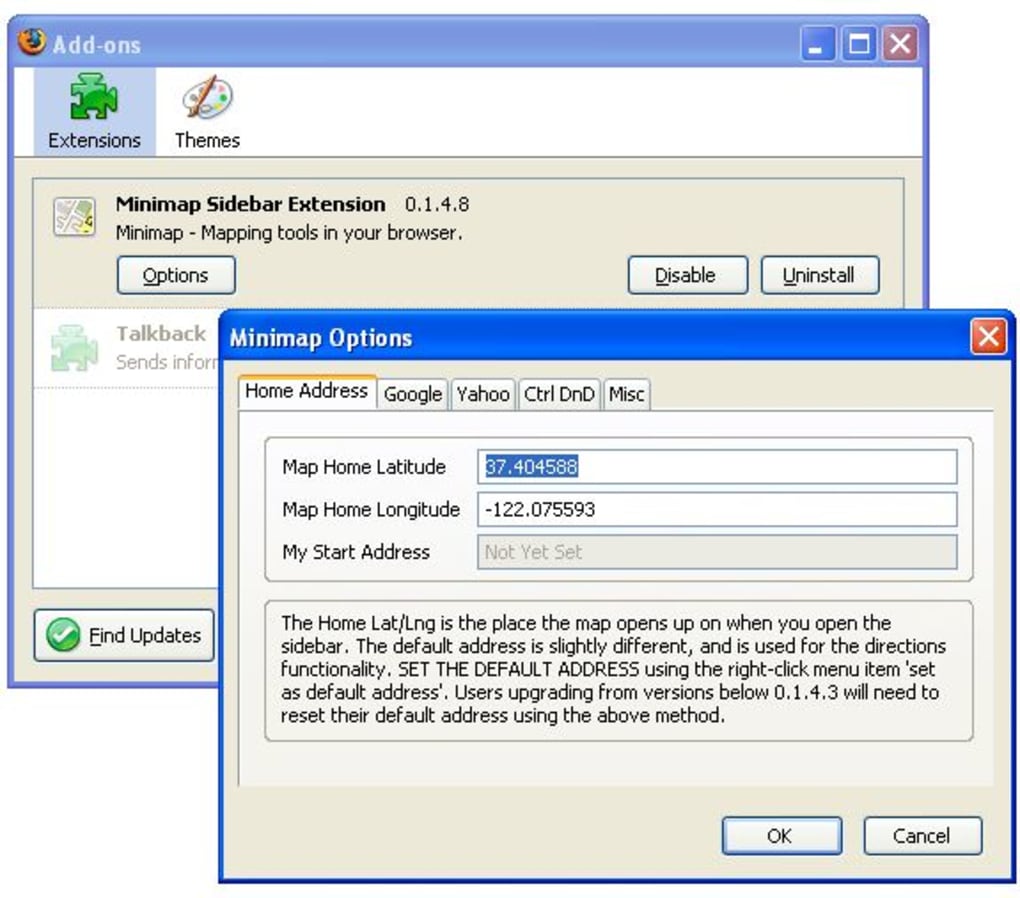
When browsing a webpage, simply highlight an address or right‑click a Google Maps link and choose “Open in Minimap Sidebar.” The map appears in the sidebar, centered on the exact coordinates. For directions, open the sidebar’s settings panel, set your “Home” address, then drag a second address onto the map. The sidebar will display a route overlay, distance, and estimated travel time. Use the “Resize” handle on the left edge of the sidebar to expand the view if the default width feels cramped. If you need satellite or terrain layers, click the layer icon at the top of the sidebar to toggle between map styles.
System Compatibility
Minimap Sidebar is compatible with all modern versions of Firefox on Windows 10/11, macOS 10.14 and later, and major Linux distributions that support the Firefox WebExtensions framework. Because it relies on the Google Maps API, an active internet connection is required for tile loading and routing calculations. The extension does not interfere with other Firefox add‑ons, and it respects the browser’s private browsing mode—maps will load, but no history is recorded.
Pros and Cons
- Pros:
- Instant access to Google Maps without leaving the current tab.
- Integrated directions save time for quick route checks.
- Lightweight and does not degrade Firefox performance.
- Free and regularly updated through Mozilla’s official channel.
- Privacy‑friendly, with no unnecessary data collection.
- Cons:
- Default sidebar width may be too narrow for detailed map inspection.
- Relies on an internet connection; offline usage is not supported.
- Advanced map features (e.g., custom markers) are limited.
Frequently Asked Questions
Can I use Minimap Sidebar in Firefox Private Browsing mode?
Yes. The extension works in Private Browsing, but it does not store any browsing history or map interactions beyond the session.
Is the extension completely free?
Absolutely. Minimap Sidebar is offered at no cost, with optional donations to support ongoing development.
How often does Minimap Sidebar receive updates?
Updates are released automatically through Mozilla’s add‑on store, typically every few weeks to address bug fixes and API changes.
Can I customize the map style (satellite, terrain, etc.)?
Yes. A small toolbar at the top of the sidebar lets you toggle between standard, satellite, and terrain views.
Does the extension collect my location data?
The only location data transmitted is what Google Maps requires to render tiles and calculate routes. No additional personal data is stored or shared.
Conclusion & Call to Action
Minimap Sidebar Extension bridges the gap between static address text and dynamic navigation, giving Firefox users a powerful yet unobtrusive map tool right inside their browser. Its quick‑drag‑and‑drop workflow, built‑in directions, and low resource footprint make it ideal for anyone who regularly interacts with location data online. While the sidebar’s default size may require a minor adjustment, the benefits far outweigh this small inconvenience. If you’re looking to streamline your web‑based map research, boost productivity, or simply enjoy a more visual browsing experience, Minimap Sidebar is the perfect free add‑on to install today.
Ready to enhance your browsing? Download Minimap Sidebar Extension now and start navigating the web with maps at your fingertips.
Guides & Tutorials for Minimap Sidebar Extension
How to install Minimap Sidebar Extension
- Click the Preview / Download button above.
- Once redirected, accept the terms and click Install.
- Wait for the Minimap Sidebar Extension download to finish on your device.
How to use Minimap Sidebar Extension
This software is primarily used for its core features described above. Open the app after installation to explore its capabilities.
User Reviews for Minimap Sidebar Extension 0
No reviews found





